
Download CallSights - Teams Screen Pop – CRM integration, Microsoft Teams, screen pop, click-to-call, contact management, call center tool, customer service, productivity tool, business communication
Overview
CallSights - Teams Screen Pop is a specialized mobile application designed to enhance business communication by bridging the gap between Microsoft Teams and various Customer Relationship Management (CRM) systems. The app’s primary purpose is to streamline the calling process for teams that rely on both Microsoft Teams and a CRM platform, enabling users to initiate calls directly from their CRM interface with a single click. This integration reduces workflow interruptions and supports faster, more informed customer interactions. By automatically displaying relevant contact information when a call is received, the app ensures that team members have immediate access to essential client data, improving response quality and personalization.
Target users include customer service representatives, sales professionals, and team leaders in organizations that depend on Microsoft Teams for daily communication and CRM tools for client management. The app is particularly beneficial in environments where call efficiency and data accuracy are critical, such as call centers or client-facing departments. While the developer, CallSights, has not provided additional background on its company history or technical development practices, the app’s functionality suggests a focus on practical, real-world productivity solutions. Its ability to support multiple CRMs indicates a commitment to broad compatibility, making it a flexible tool within diverse business ecosystems.
Real-world use cases include sales agents initiating calls from a lead’s profile, customer service agents receiving incoming calls with instant access to case history, and team supervisors monitoring call performance through integrated data. The app contributes to a more cohesive digital workspace by minimizing context switching and enhancing data visibility. In today’s competitive business environment, tools that improve communication efficiency are increasingly vital, and CallSights positions itself as a key utility for teams aiming to optimize their customer engagement processes.
Key Features & Functionality
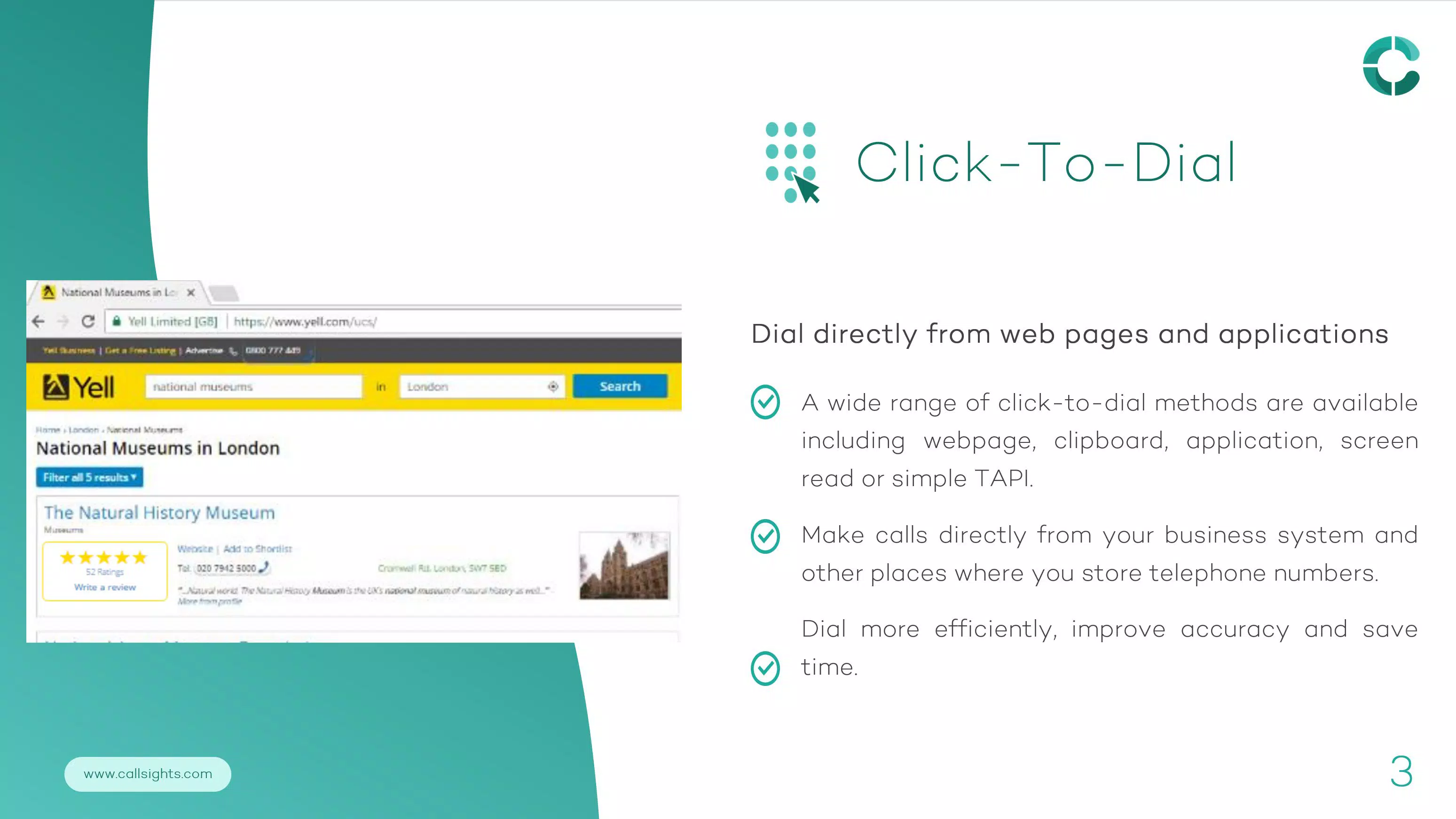
- Click-to-Call Functionality: Users can initiate calls directly from their CRM interface without leaving the application. This eliminates the need to manually dial numbers or switch between platforms, reducing call setup time and minimizing errors. For example, a sales rep can click a contact’s phone number in a CRM record and instantly connect via Microsoft Teams, maintaining workflow continuity.
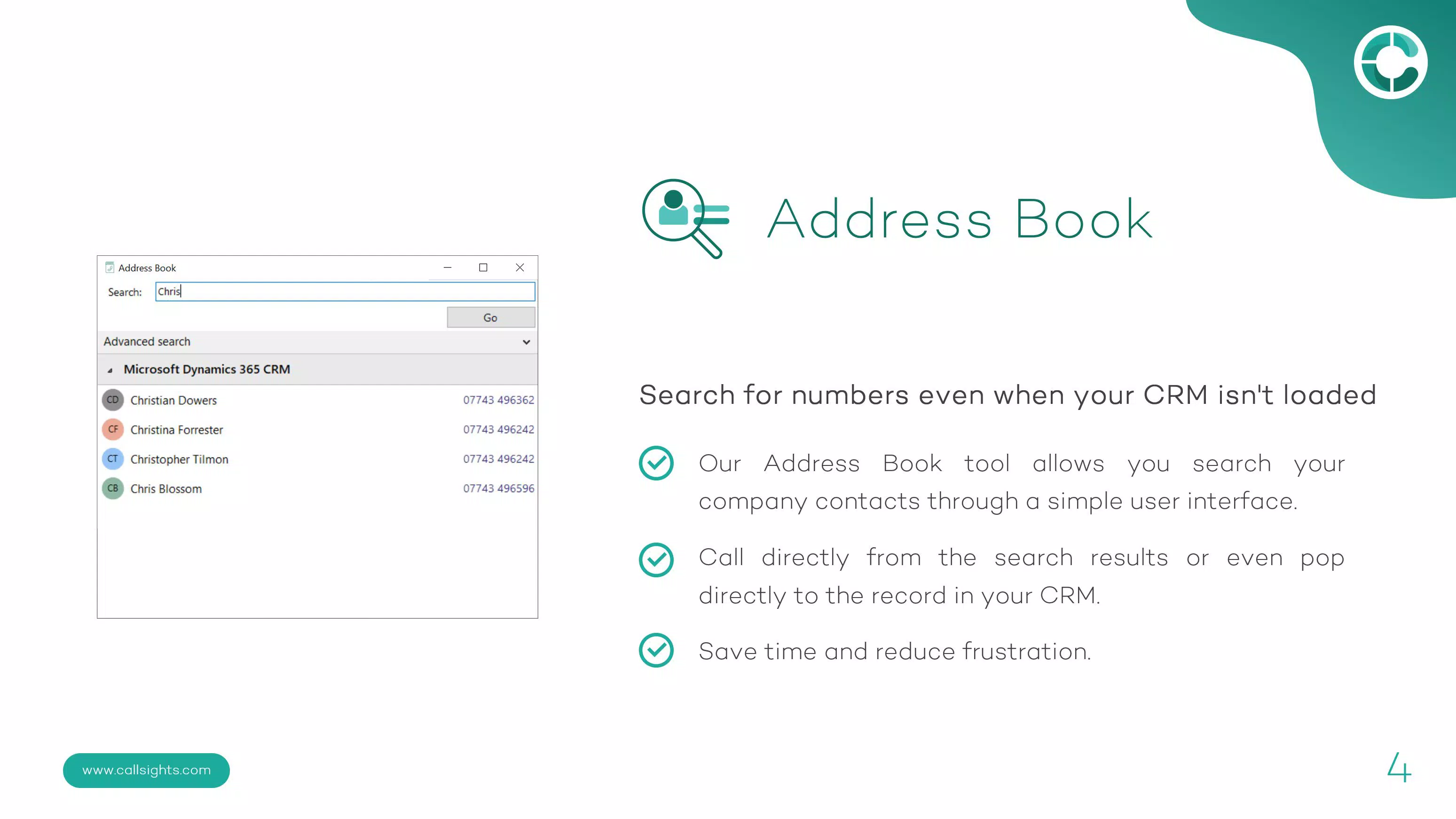
- Integrated Address Book: The app provides a centralized contact directory that syncs with the user’s CRM. This allows for quick search and dialing from a unified list, improving accessibility. A support agent can search for a client by name or account number and initiate a call in seconds, enhancing service speed and accuracy.
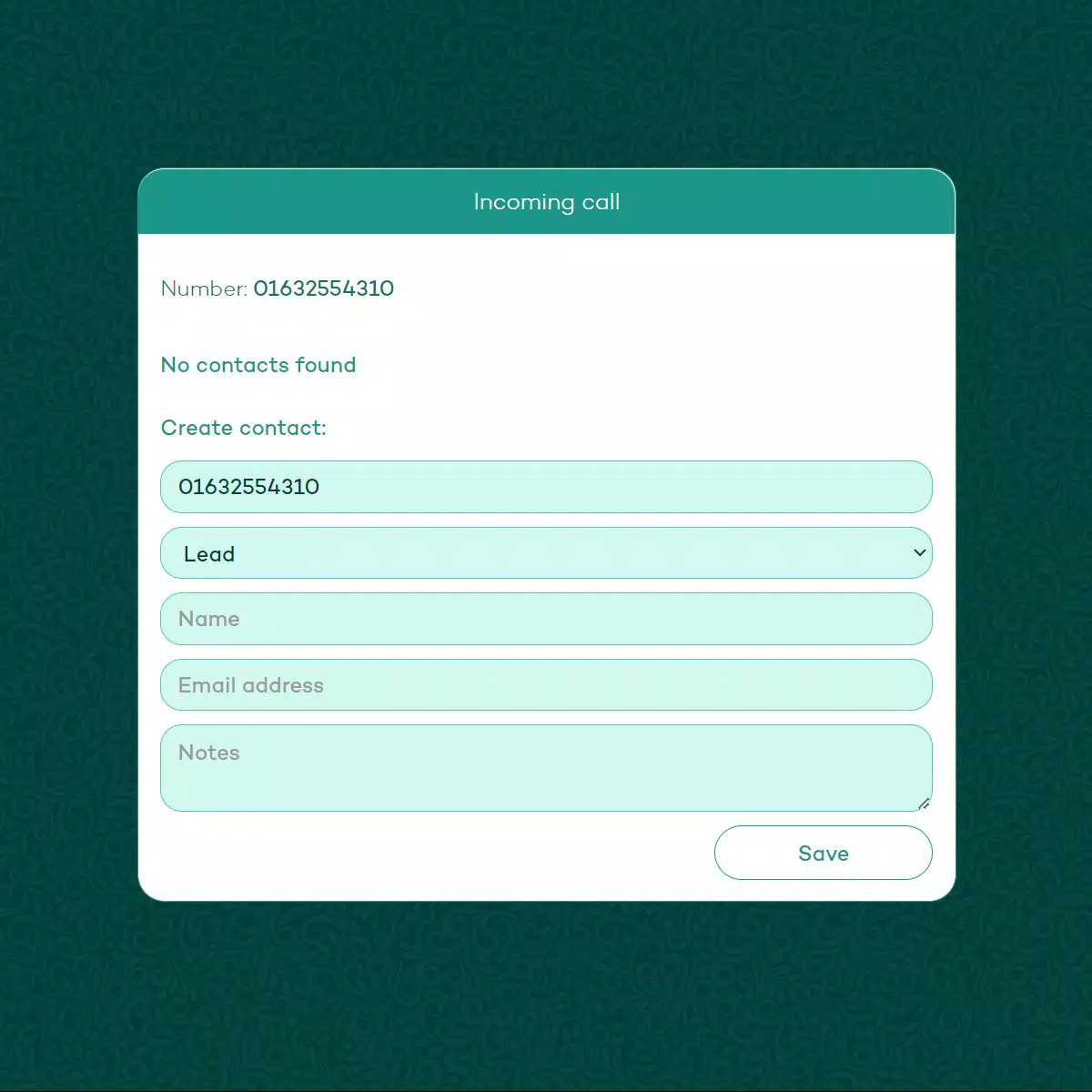
- Caller Record Pop-Up: When an incoming call is received, the app triggers a screen pop that displays the caller’s full CRM record. This feature enables users to see previous interactions, account details, and service history instantly. For instance, a customer service representative can prepare for a call by reviewing past tickets before answering, leading to more personalized and effective conversations.
- Multiple Match Detection: If several CRM records match the incoming caller’s number, the app presents all relevant options for selection. This prevents misidentification, especially in large databases where duplicate or similar entries are common. A representative can review the list and choose the correct client profile, ensuring accurate record-keeping and better service delivery.
- Easy Setup Assistance: CallSights provides support through its official website and email, helping users configure the integration with their CRM and Microsoft Teams. This guidance is crucial for teams with limited technical expertise, ensuring a smooth onboarding process and minimizing implementation delays.
Interface, UX & Performance
The user interface of CallSights - Teams Screen Pop is designed with functionality and clarity in mind, focusing on reducing user friction during high-pressure communication scenarios. The layout emphasizes accessibility, with key features such as the click-to-call button and contact search prominently displayed. Navigation is straightforward, allowing users to move between CRM data and calling functions with minimal effort. The visual style is clean and professional, aligning with enterprise-grade tools used in business environments.
Interaction flow is optimized for speed and accuracy. From searching a contact to initiating a call or viewing a pop-up record, each step is designed to be intuitive and efficient. The app responds promptly to user actions, with screen pops appearing almost instantaneously upon call receipt. Although the developer did not list formal performance metrics, the app’s lightweight size of 24.5 MB suggests efficient resource usage, which may contribute to stable performance across various Android devices.
Stability appears to be a priority, as the app enables seamless integration with Microsoft Teams without disrupting ongoing calls or data synchronization. Responsiveness is consistent, particularly during high-volume calling periods. Users can expect smooth operation on mid-range and high-end Android devices, though compatibility with older or low-memory devices was not specified. Overall, the app delivers a reliable experience tailored to business users who value speed, accuracy, and minimal downtime.
Platform Compatibility & Technical Requirements
CallSights - Teams Screen Pop is available exclusively on the Android platform. The current version is 1.0.0, with a file size of 24.5 MB, indicating a lightweight installation that should not significantly impact device storage. The app is offered at no cost, making it accessible to businesses of all sizes seeking to improve their communication workflows.
While the developer did not specify minimum OS requirements, the app is designed to function within the Android ecosystem and integrate with Microsoft Teams. Compatibility with specific Android versions was not disclosed, so users are advised to ensure their device meets the system requirements of Microsoft Teams, as the integration depends on that platform’s functionality. The absence of detailed technical specifications means that users should verify system compatibility through official channels before installation.
Pros and Cons
Pros
- Efficient integration with Microsoft Teams and multiple CRM systems
- Enables click-to-call functionality for faster communication
- Provides instant caller record pop-ups for better context
- Supports multiple match detection to prevent incorrect call routing
- Free to download and use, reducing operational costs
- Simple setup process with accessible support options
Cons
- Platform availability limited to Android only
- Specific OS version requirements not disclosed
- Developer did not provide performance benchmarks or user statistics
- No information on data encryption or privacy protocols
- Compatibility with older Android devices not confirmed
FAQ
Is CallSights - Teams Screen Pop available for iOS?
The app is currently available only on the Android platform. No information has been provided regarding future iOS availability.
Can I use this app with any CRM system?
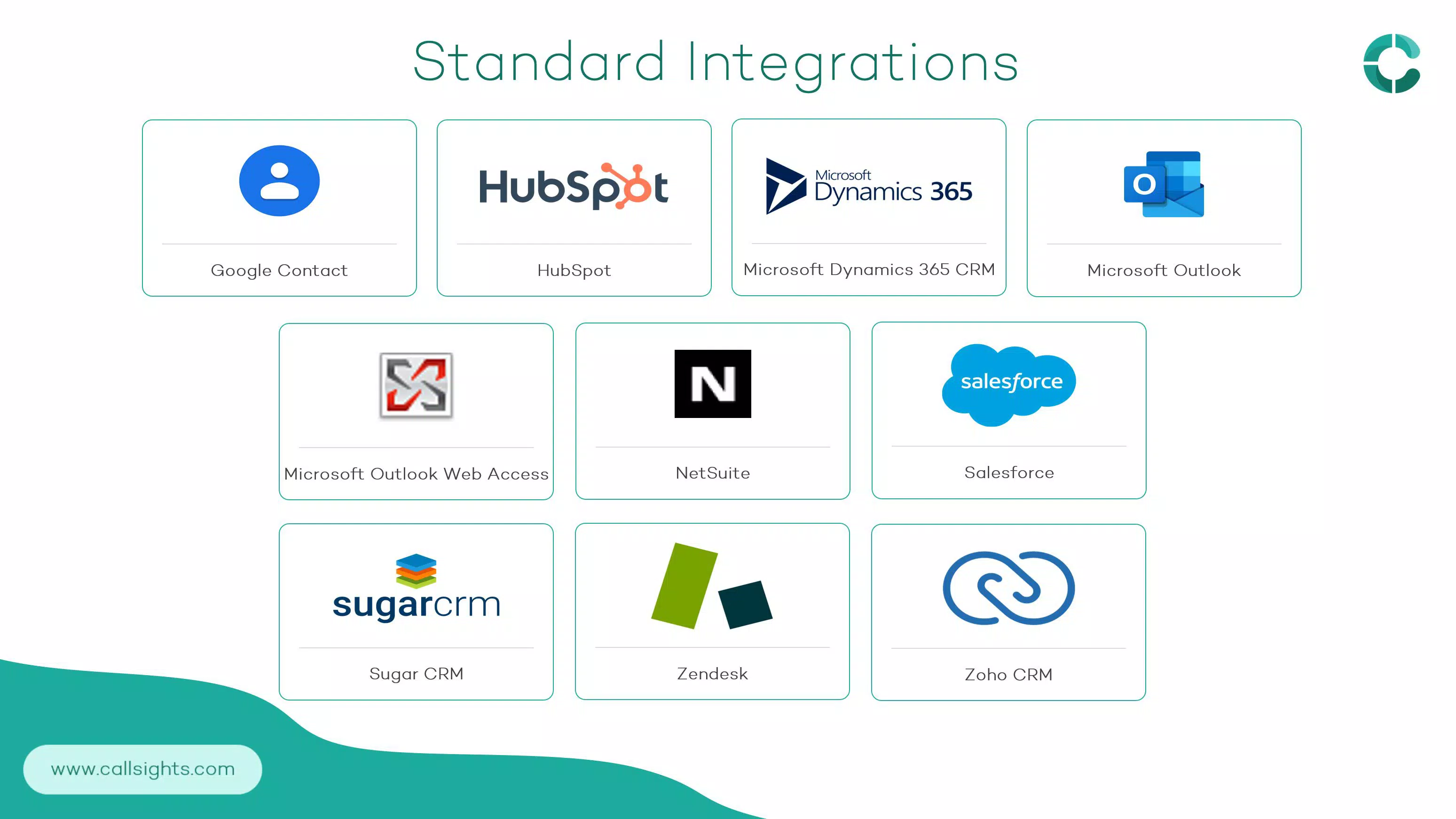
CallSights supports multiple CRM platforms, though the specific systems are not listed. Users should consult the official website for a full list of compatible CRMs.
How secure is the data transferred between CRM and Microsoft Teams?
The developer did not provide details on data encryption or security protocols. Users should review the app’s privacy policy and ensure compliance with organizational data policies.
Do I need to update the app regularly?
Regular updates may be released to maintain compatibility with Microsoft Teams and CRM systems. Users should check for updates through the app store or official website.
What should I do if the screen pop doesn’t appear during a call?
If the screen pop fails to trigger, verify that the CRM integration is properly configured and that the caller’s number matches a record. Contact support via email or the website for troubleshooting assistance.
Final Thoughts + CTA
CallSights - Teams Screen Pop delivers a focused, practical solution for teams that depend on Microsoft Teams and CRM systems for daily operations. Its ability to unify communication and data access through click-to-call, instant screen pops, and intelligent matching significantly reduces workflow friction. While the app is currently limited to Android and lacks detailed technical disclosures, its core functionality is robust and well-suited for sales, customer service, and support teams aiming to enhance responsiveness and efficiency.
For organizations seeking a free, reliable tool to elevate their business communication, CallSights offers a compelling value proposition. Its straightforward setup and integration with multiple CRMs make it a versatile addition to any digital workspace. Whether managing high-volume calls or ensuring personalized client interactions, this app supports a more connected and informed team environment.
Download CallSights - Teams Screen Pop now


